

No need to start from scratch
Use your existing PDFs or images as a starting point. ONDAPO helps turn products and prices into an editable digital catalogue.
DIGITAL MENUS & CATALOGUES
Already have a menu, price list or service catalogue? Simply upload it. ONDAPO recognises the content and prepares your digital catalogue. Review the result, make any changes and publish it using a link or QR code.
Create and test privately for free. Publishing requires a paid plan.
YOUR ADVANTAGES
Use your existing PDFs or images as a starting point. ONDAPO helps turn products and prices into an editable digital catalogue.
Changing a price or adding a product? Update your catalogue directly in ONDAPO. Once published, customers see the latest content through the same link or QR code.
Present products, services and descriptions in multiple languages, making it easier for international guests and customers to find what they need.
From QR codes on-site to your website and social media, share your published catalogue wherever customers need it.
Bring existing content into ONDAPO through the import process.
Manage multiple locations centrally when your plan allows it.
MADE FOR MANY BUSINESSES
For restaurants, salons, beauty studios and hotels: present your offerings professionally, in multiple languages, always up to date.
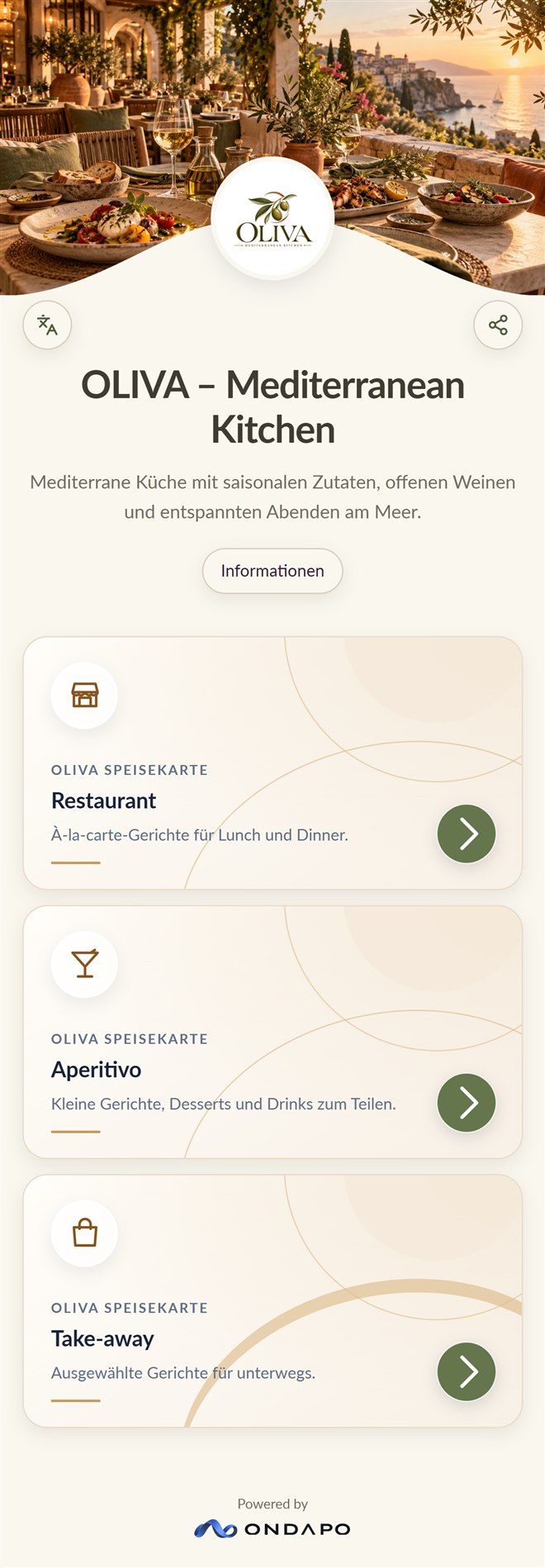
Turn existing food and drink menus into digital catalogues, keep prices current and give guests easy access via QR code.
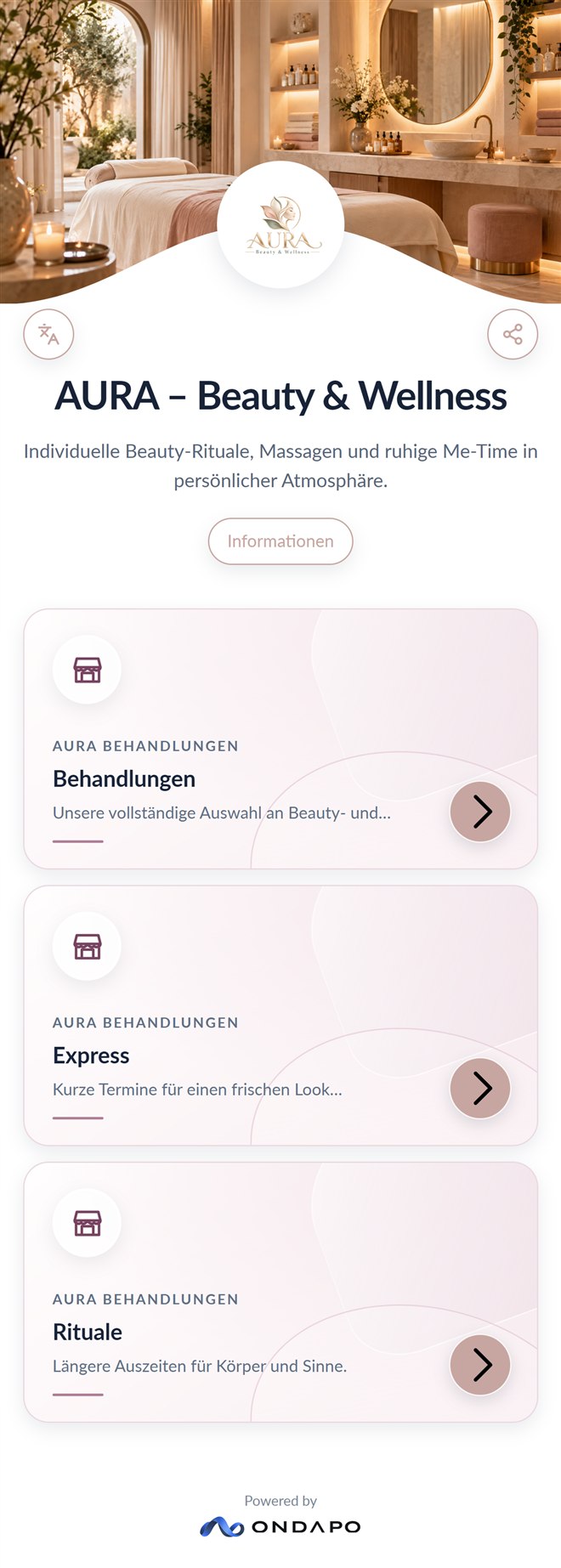
How it worksDigitise price lists and service menus. Add or update treatments, services and prices whenever needed.
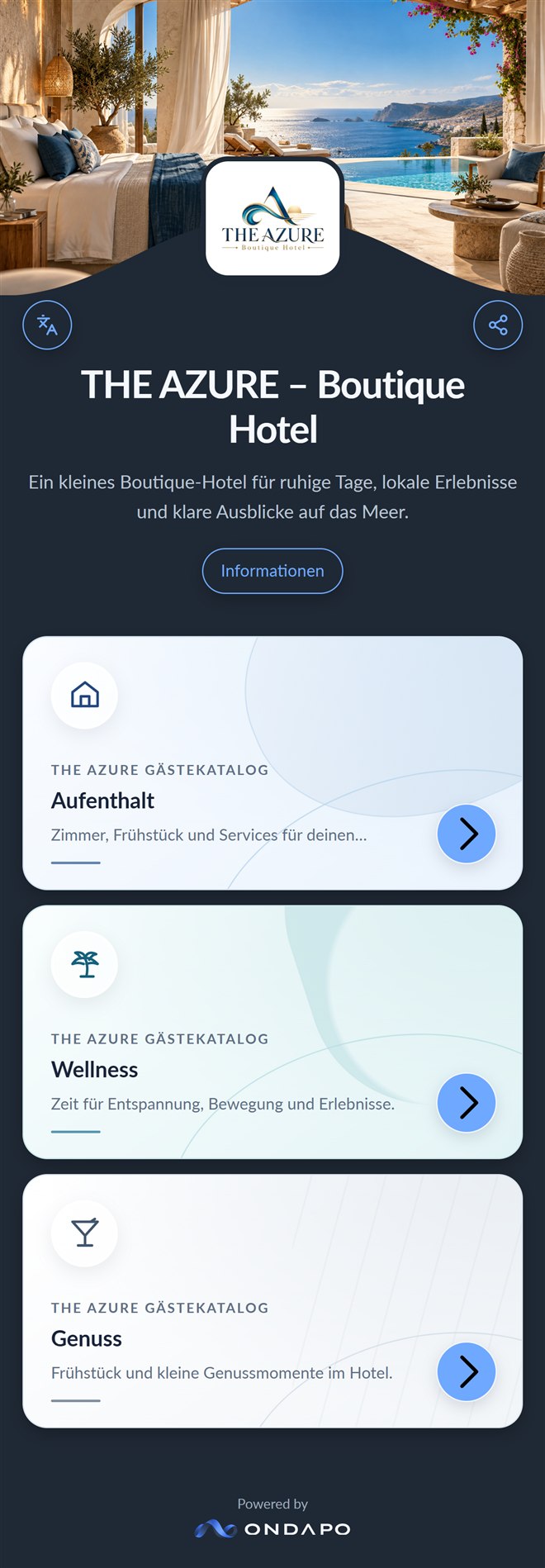
How it worksProvide guest information, services and price lists digitally. Keep content up to date and make it available to international guests in multiple languages.
How it worksTHREE STEPS
Turn your existing menu or price list into an editable digital catalogue. ONDAPO helps import your content, so you don't have to enter everything from scratch.
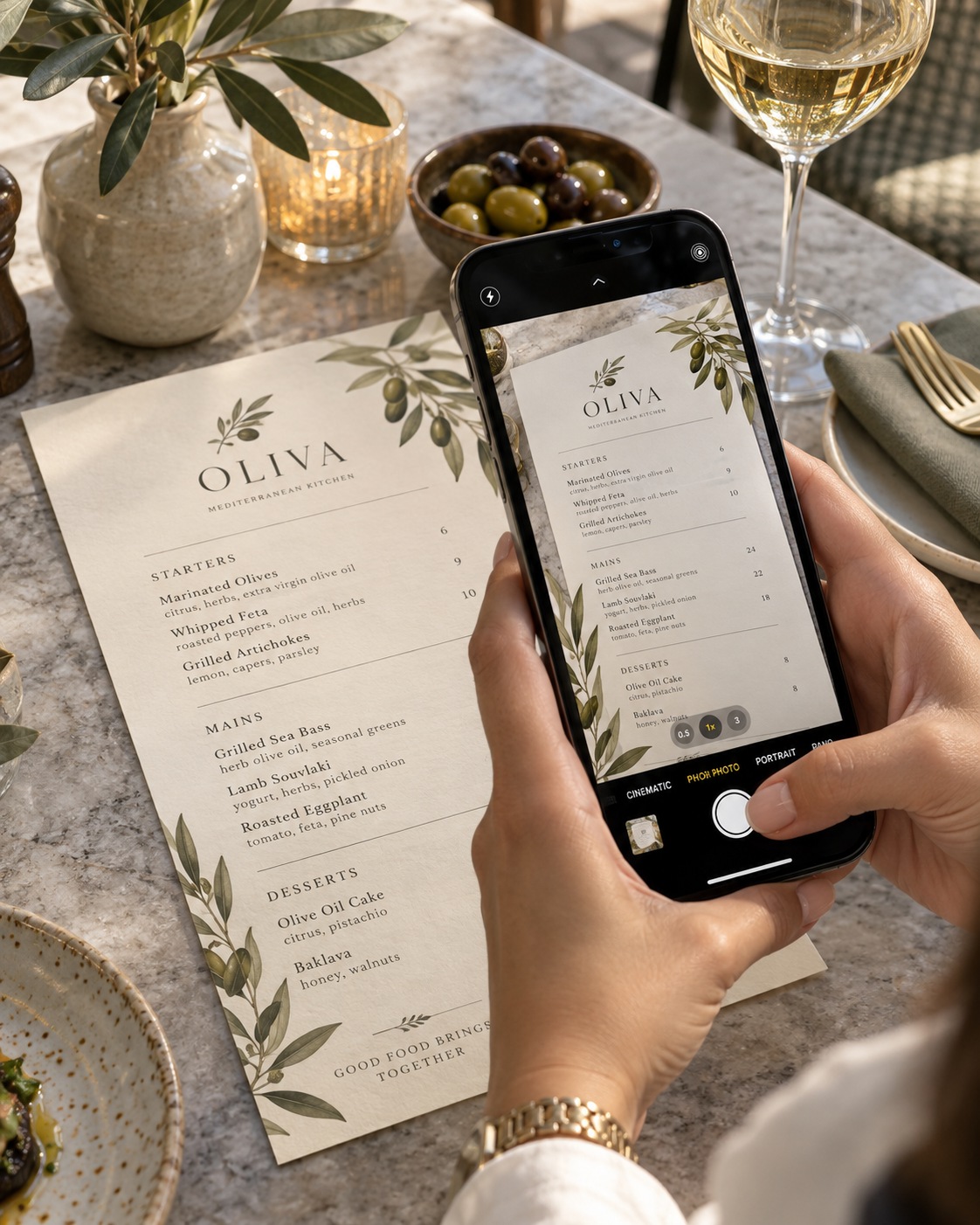
Select your existing menu or price list as a PDF or image and upload it to ONDAPO.
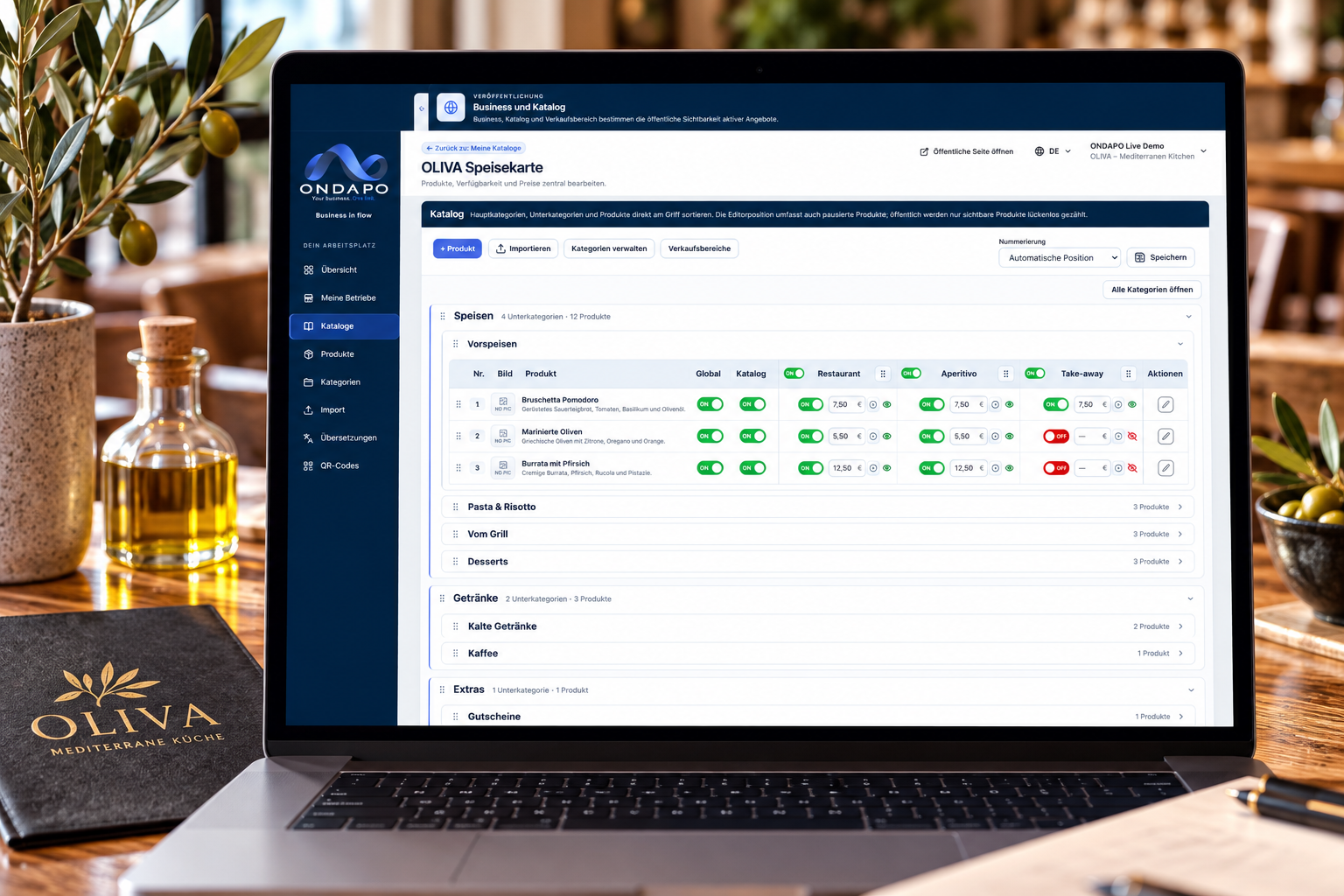
ONDAPO organises recognised products, descriptions and prices. Review the information and make any necessary adjustments.
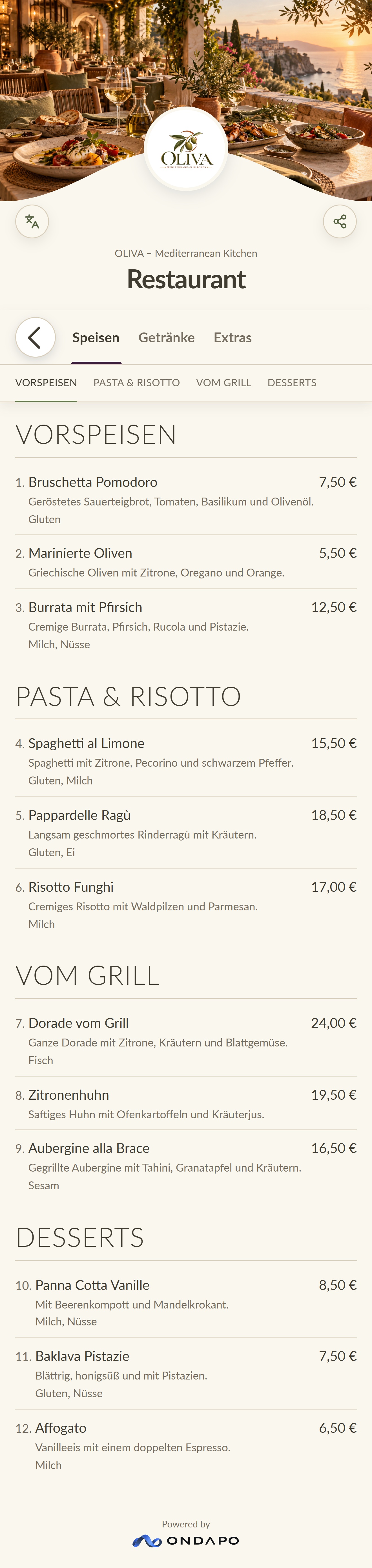
Customise your catalogue and publish it with an eligible plan. Customers can open it using a link or QR code, with no app required.
Once published, you can link to your digital catalogue from your website, share it on social media or make it accessible on-site with a QR code.
FLEXIBLE AND CLEAR
Prepare for free. Publish with the right plan.
0.00 €net / month
12.95 €net / month
39.95 €net / month
69.95 €net / month
Plans and contract terms are explained in the customer area.
FREQUENT QUESTIONS
Yes. The Free plan lets you explore ONDAPO and prepare your content in a private preview. Public publishing requires a plan that supports this feature.
No. Published ONDAPO catalogues open directly in a web browser using a QR code or link.
Yes. You can edit products, descriptions and prices whenever needed. Once published, your changes appear in the digital catalogue.
No. You can upload existing PDFs or images. ONDAPO helps recognise and import the content. You can review and edit everything before publishing. You can also create a catalogue manually.
Create your account and begin your first catalogue. Public publishing requires an eligible plan.